
Developed in GINEN.
Film camera & darkroom for iPhone

The colour of film,
on your iPhone.

GINEN shoots and develops your photos with five original film Looks, with grain, a soft glow, light leaks and a date stamp. You see the result before you press the shutter.

01Looks

Five Looks, chosen with care.

Not a hundred filters. Five Looks in one calm, natural tone: four in colour, with blacks gently lifted, highlights soft and greens true, and one in black and white.

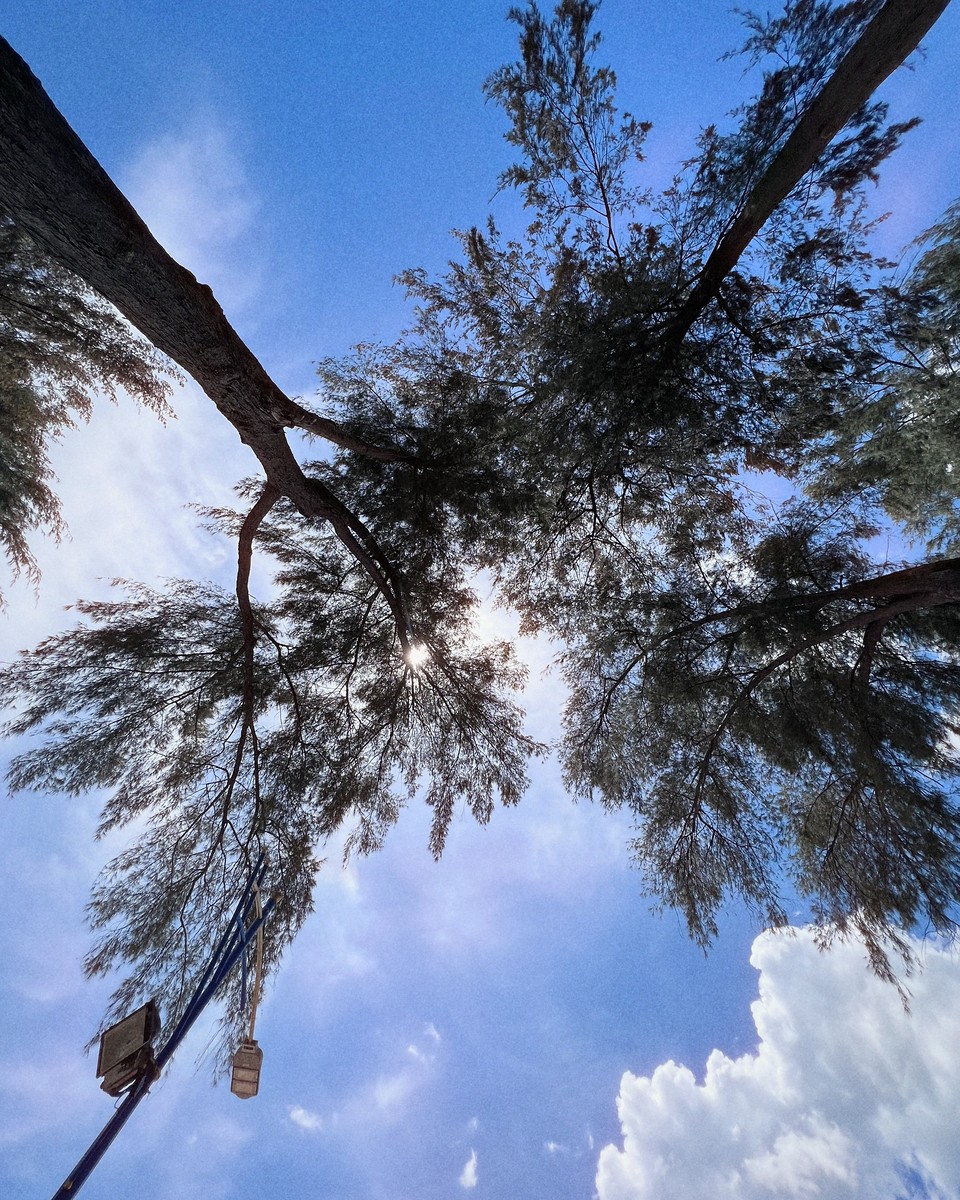
Looking up at pine trees against a blue sky, developed in daylight
01daylightiso 100For sunlight. Clear and airy.
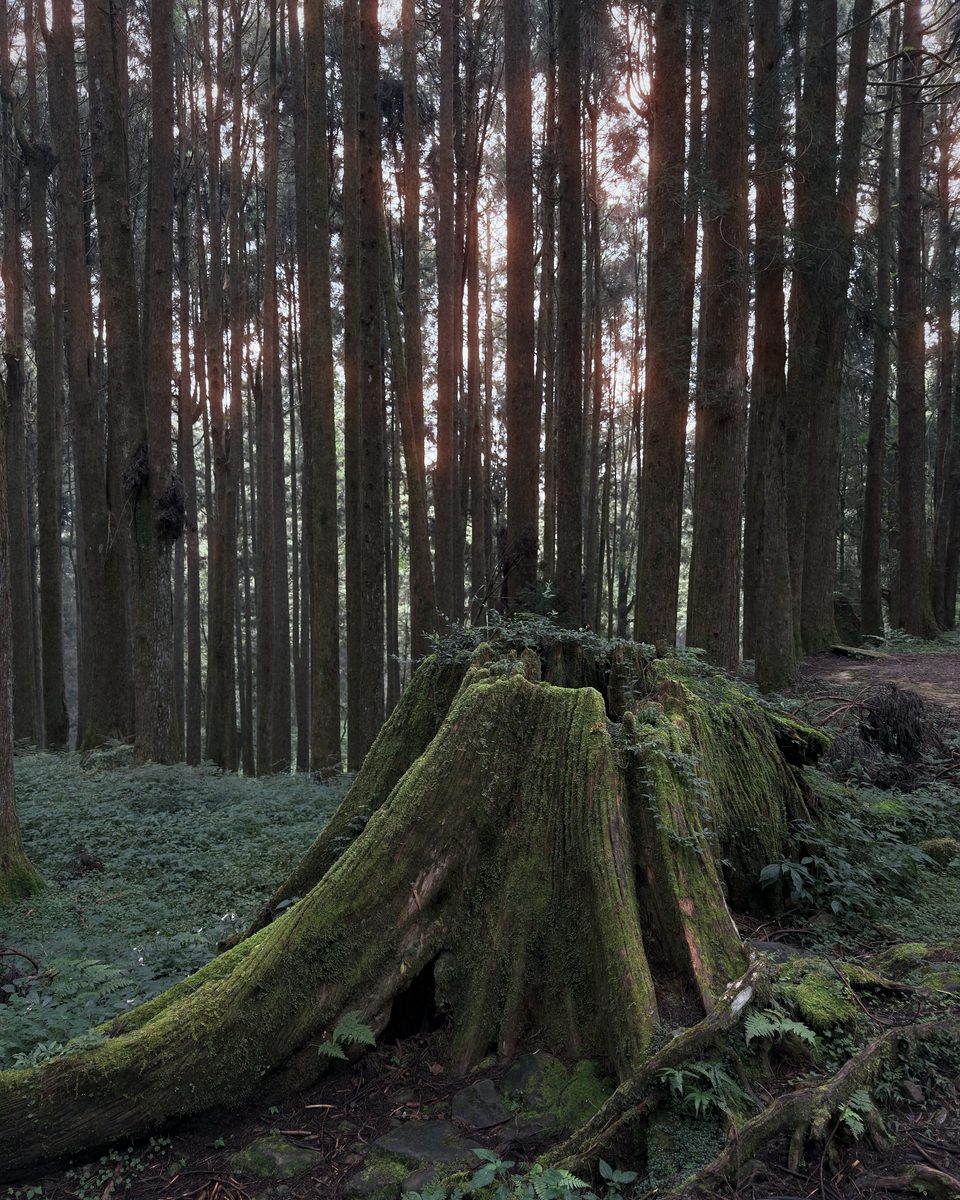
Mossy stump in a cedar forest, developed in shade
02shadeiso 400For shade and grey days. Soft, a little cool.
City at dusk, developed in lamp
03lampiso 800For evenings and lamplight. Warm.
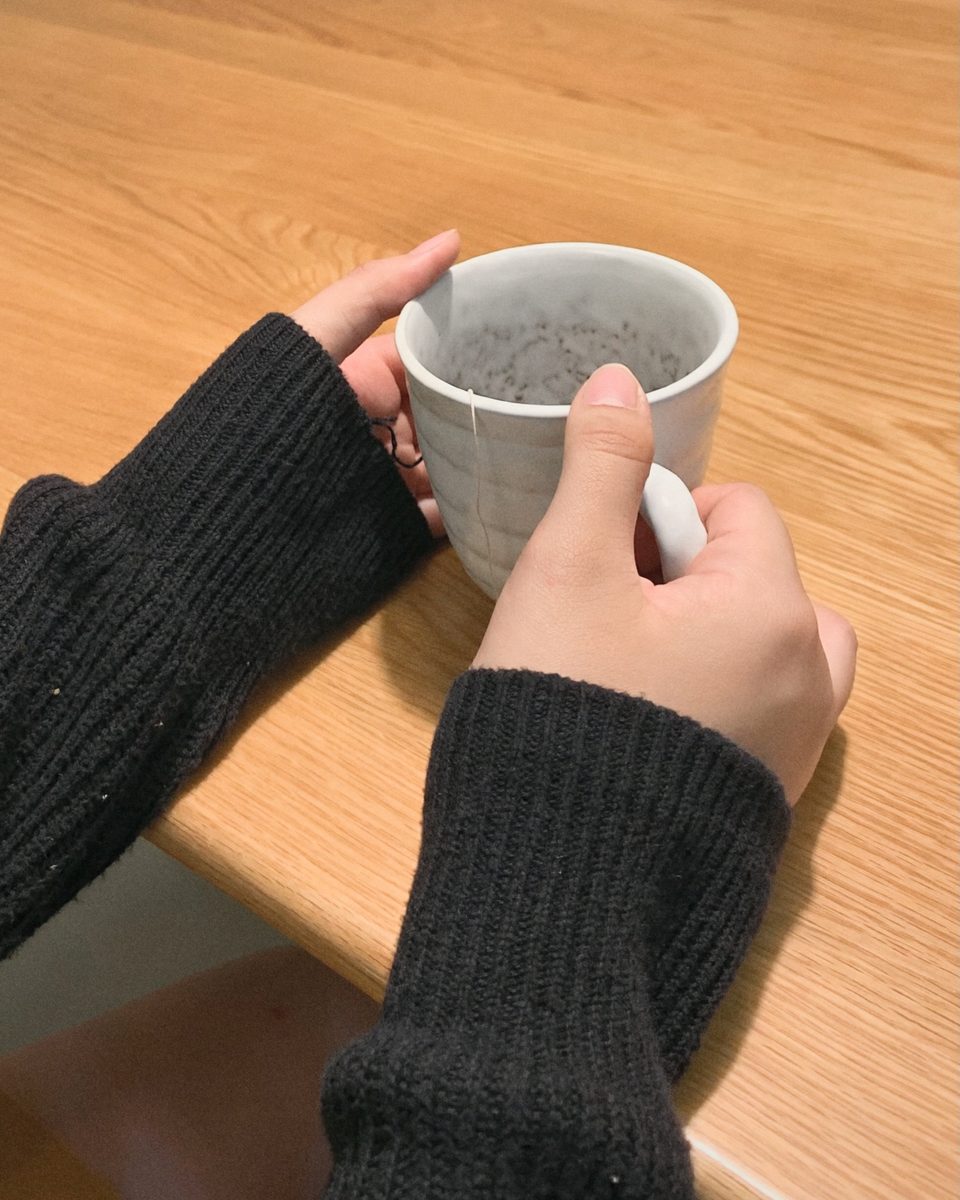
Hands holding a cup, developed in portrait
04portraitiso 160For people. Gentle skin, soft contrast.
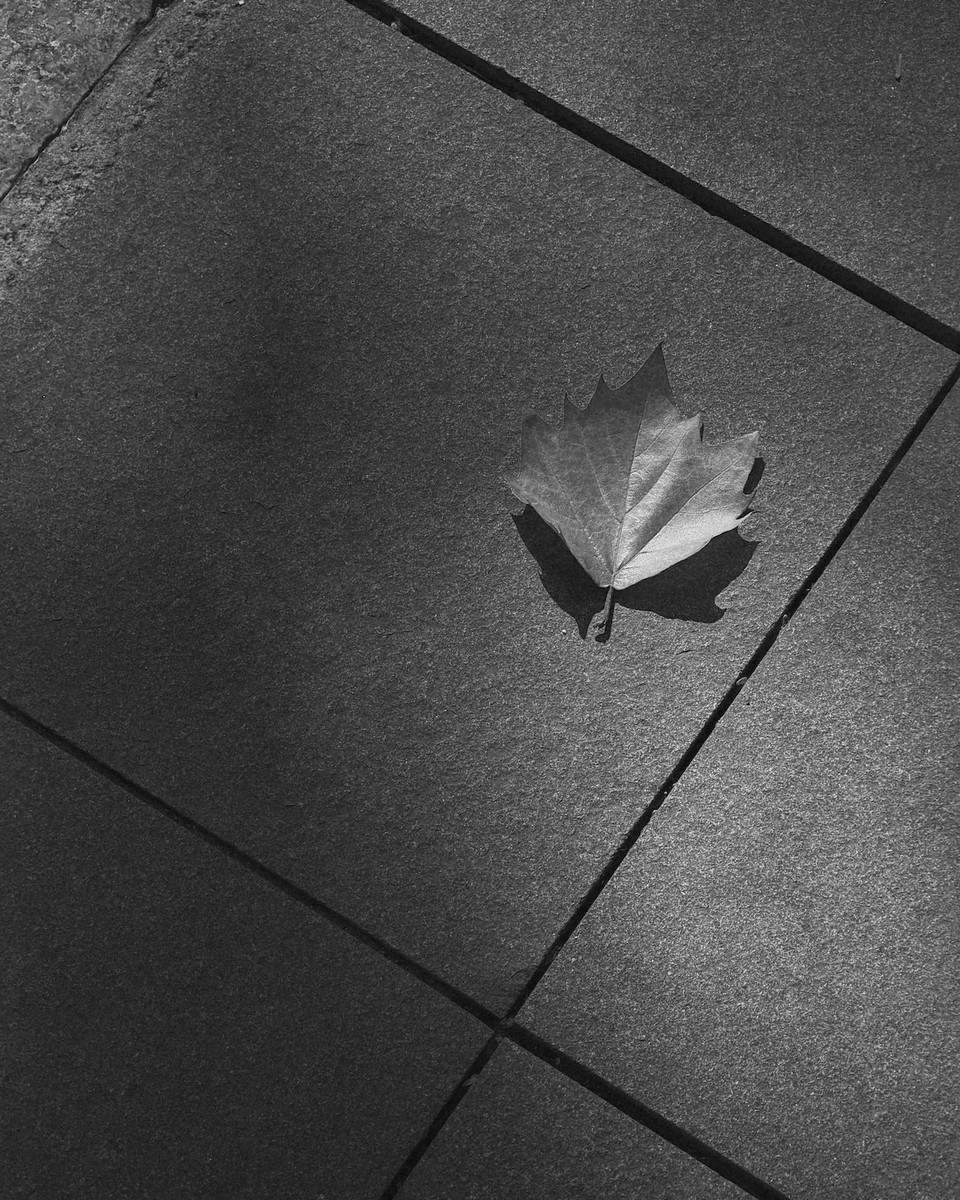
A leaf on paving stones, developed in silver
05silveriso 400Black and white. Soft greys, matte blacks.
02Shoot a roll
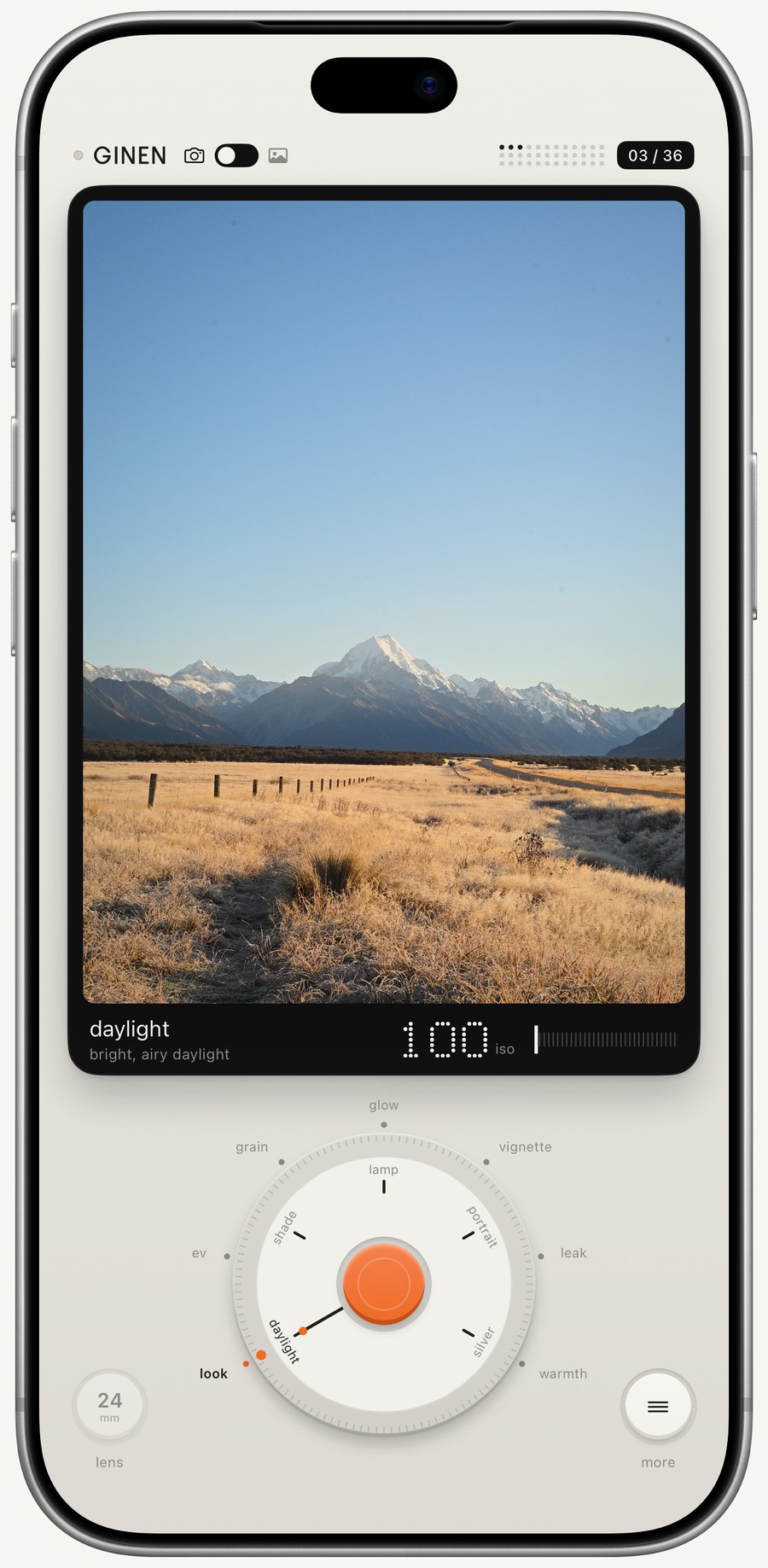
GINEN camera screen: the viewfinder in daylight and the dial

One dial. One shutter.

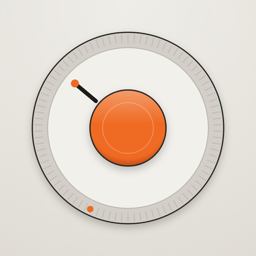
  1. 1Turn the face to choose a Look.
  2. 2Turn the collar to grain, glow and the rest, and set them on the same face.
  3. 3Press the centre to shoot.

Load a roll of 10, 24 or 36 frames. Develop each frame as you go, or wait until the roll ends and see them all at once on a contact sheet. Every photo is saved exactly as framed, never upscaled.
03In the darkroom

The details that make it film.

Already have photos? Bring in up to 20 from your library and develop them in any Look.

Grain

Fine and even, strongest in the midtones.

Glow

A warm halo around bright lights.

Vignette

A gentle fall-off at the edges.

Light leak

Warm light spilling in from the edge.

Warmth

A little warmer or a little cooler.

Date stamp

Small, quiet orange LED digits.

AlsoFrame shapes 4:3, 3:2, 5:4 and 1:1 · lenses in mm, with a 48 mm crop on supported iPhones · self-timer · level · AE/AF lock · up to 48 MP; on Pro models, developed from ProRAW · your photos filed in a GINEN album.

04iPhone Duo

Fold it halfway.
A waist-level finder.

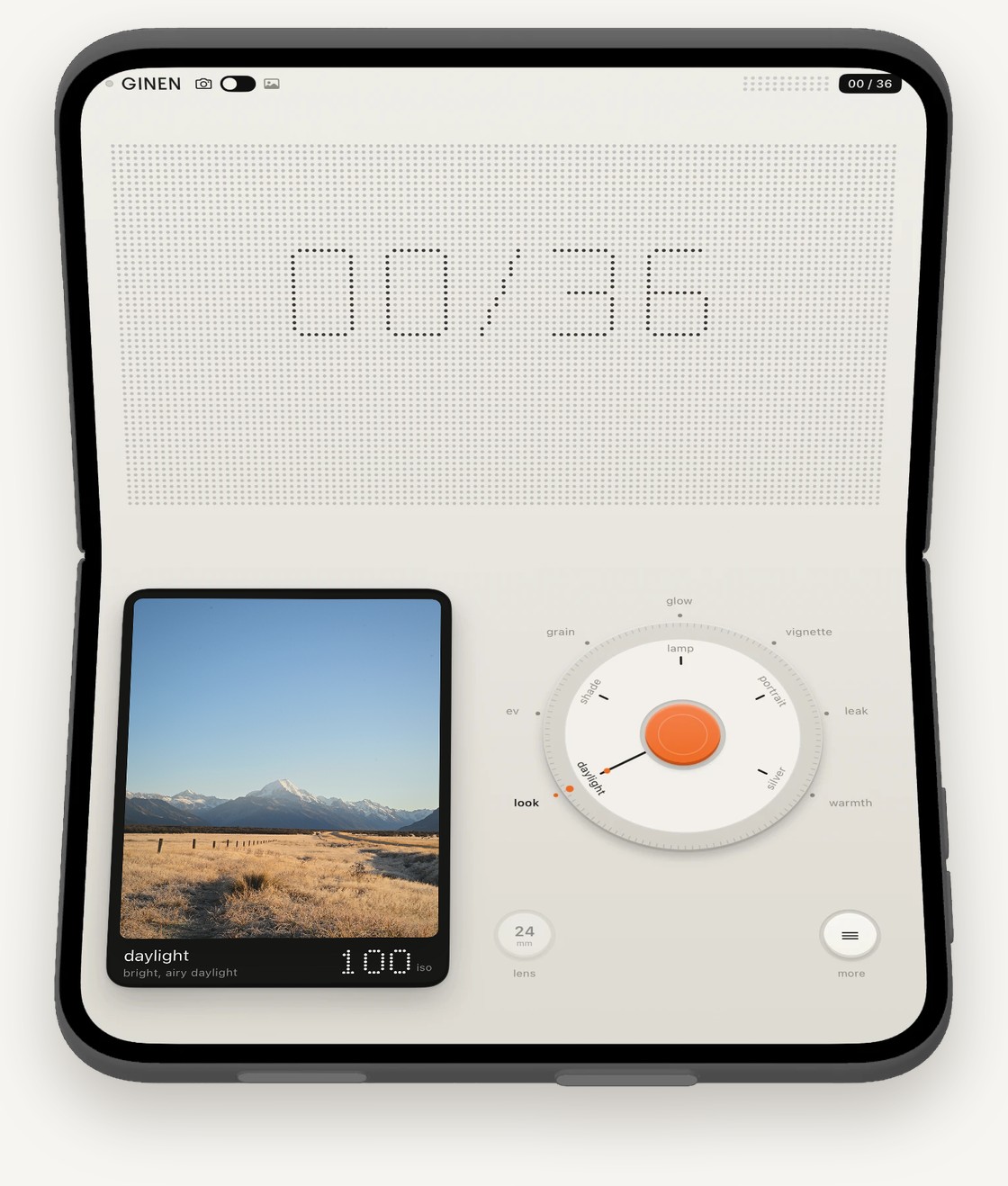
On iPhone Duo, fold GINEN halfway and the picture and the dial move to the flat half, with the frame count on the upright half. Look down into it, the way you would with a waist-level film camera.

iPhone Duo folded halfway: the picture and dial on the flat half, the frame count on the upright half
05Pay once

Pay once. Keep it.

One price, everything included. No in-app purchases, no subscription, no ads.

$9.99 ($6.99 launch price until 8 December)

06Privacy

Your photos never leave your phone.

Everything happens on the iPhone. No account, no server, no analytics. GINEN asks for access to your photo library only to file its own photos in a GINEN album and show them in the app.

Now on the App Store.

Download on the App Store
iPhone · iOS 26 or later