For iPhone and Apple Watch
One dot a day, all year long.
Dotline turns your year into a plate of dots. A day fills in on its own when you reach your goal: steps, exercise, sleep, or anything you log.
Free to download. No account. Plus is a one-time unlock, never a subscription.
How it works
Nothing to type.
Each track is one rule. When a day meets it, that day’s dot fills in.
Apple Health
Your year so far, already filled in
Pick a rule, like 8,000 steps or 7 hours of sleep. Dotline reads Apple Health back to 1 January, read-only, so the plate is filled in the first time you open it. After that it fills in as you go about your day.
Shortcuts
Shortcuts for anything else
Reading, practice, coffee-free days. The “Log to Dotline” action runs from Siri, an automation, an NFC tag, or the + Log button on a widget.
Up to five tracks
Five presets, like a radio
Keep up to five tracks and switch between them like the preset buttons on a radio. Set your own target: at least, at most, or any entry.
Two tracks are free. Dotline Plus unlocks all five, once.
- Steps · ≥ 8,000
- Sleep · ≥ 7 h
- Coffee · ≤ 1 cup
- Reading · any entry
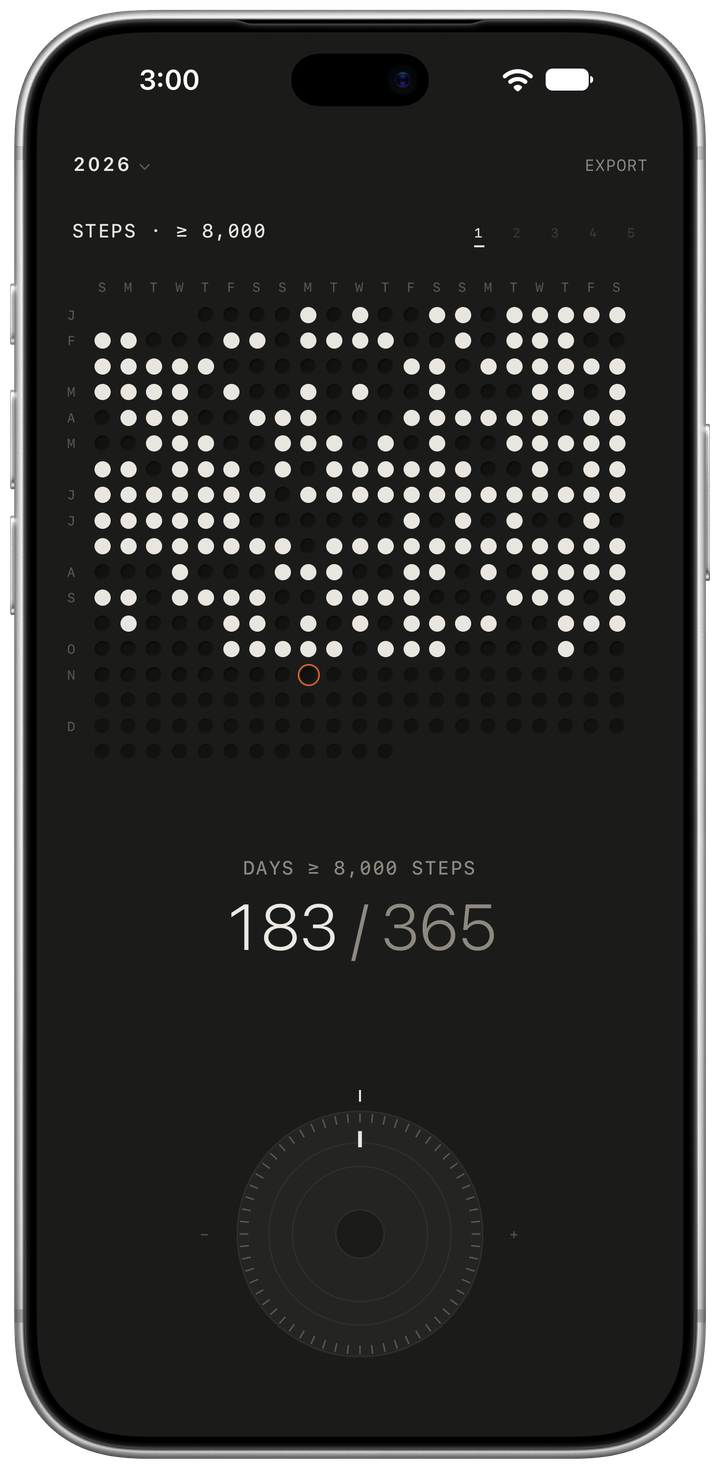
The dial
Turn through the year by hand.
Turn the dial to move day by day. Each day gives a soft click and a light haptic, and a firmer one marks each new month. Tap the hub to come back to today.
- Hold any dot to read that day, then slide to the next one.
- Quiet streaks. Under a day’s value: 12 in a row.
- Past years. Look back at the last ten, or turn the dial past 1 January.
- VoiceOver reads every dot, and the dial moves a day with each swipe.
iPhone Duo
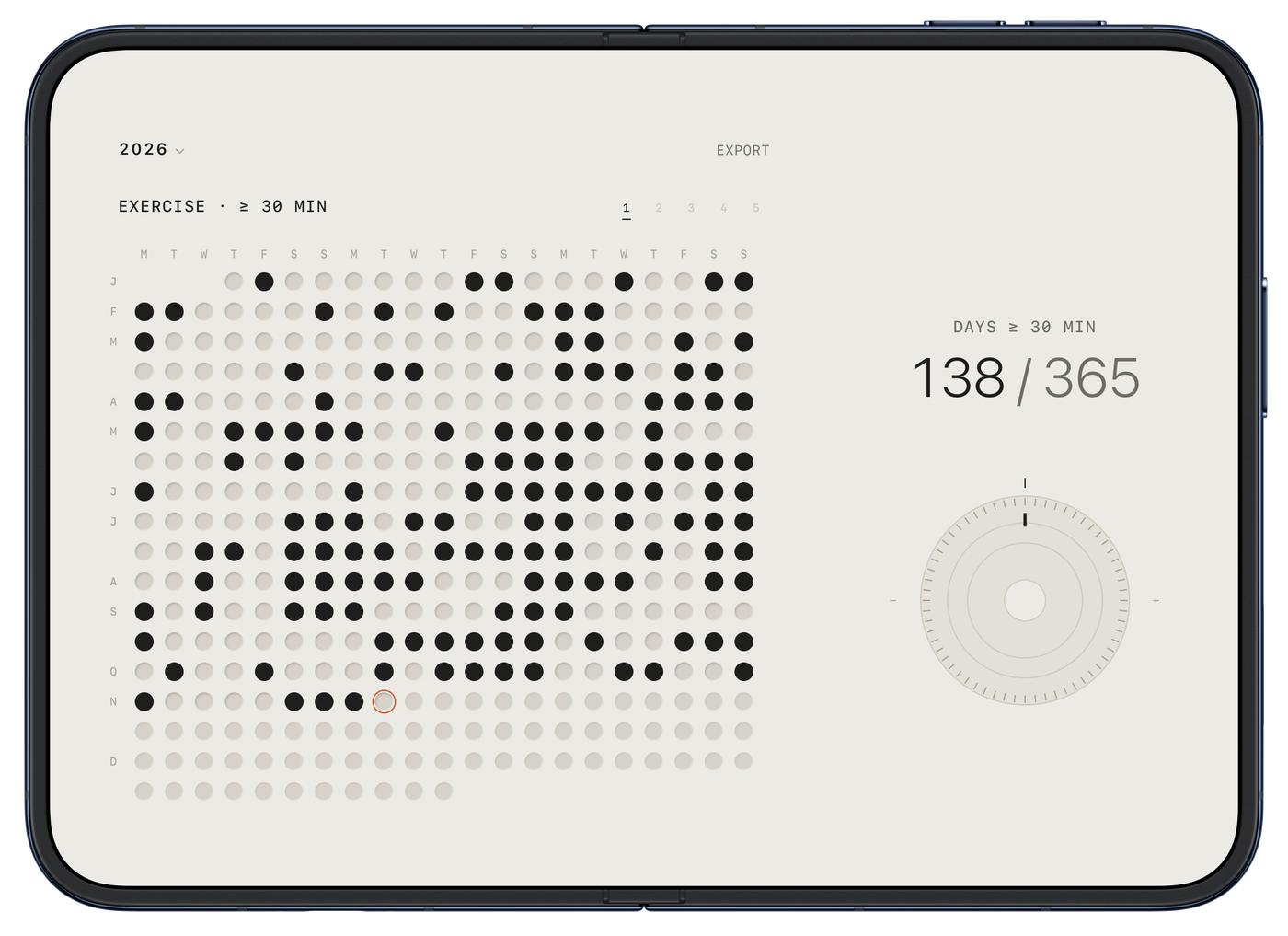
Unfold it.
On iPhone Duo, Dotline opens up: the year on one side, the dial on the other. Works on iPhone Duo, folded and unfolded.
On your desk
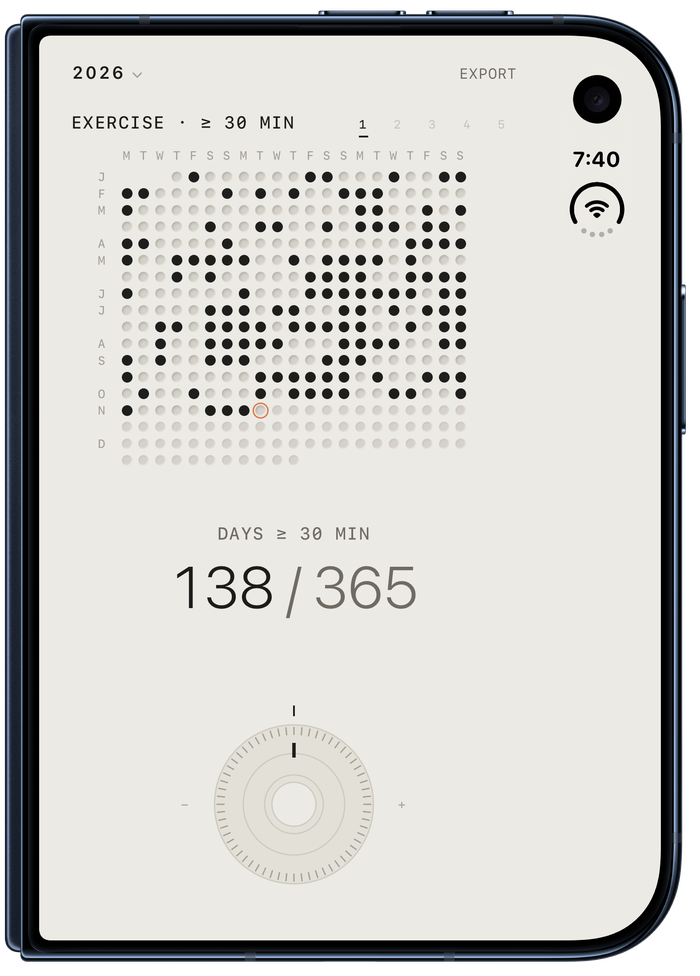
Half open, it stands like a little radio.
Fold iPhone Duo halfway and set it down. The top half stands up with nothing but the year; the bottom half lies flat with the count and the dial, the way a radio keeps its tuning wheel below the grille.
Widgets and Apple Watch
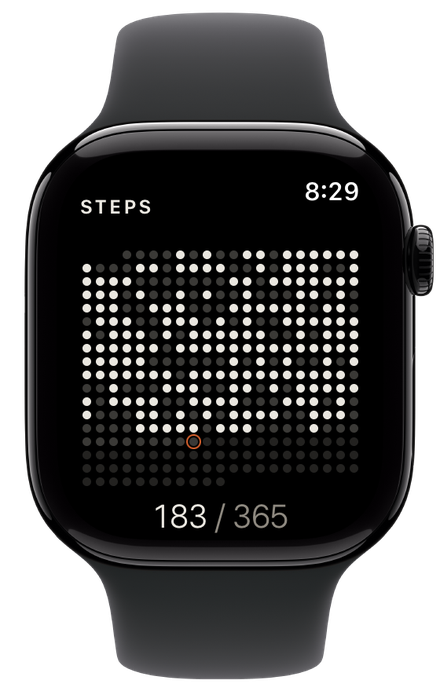
The same grille, everywhere you look.
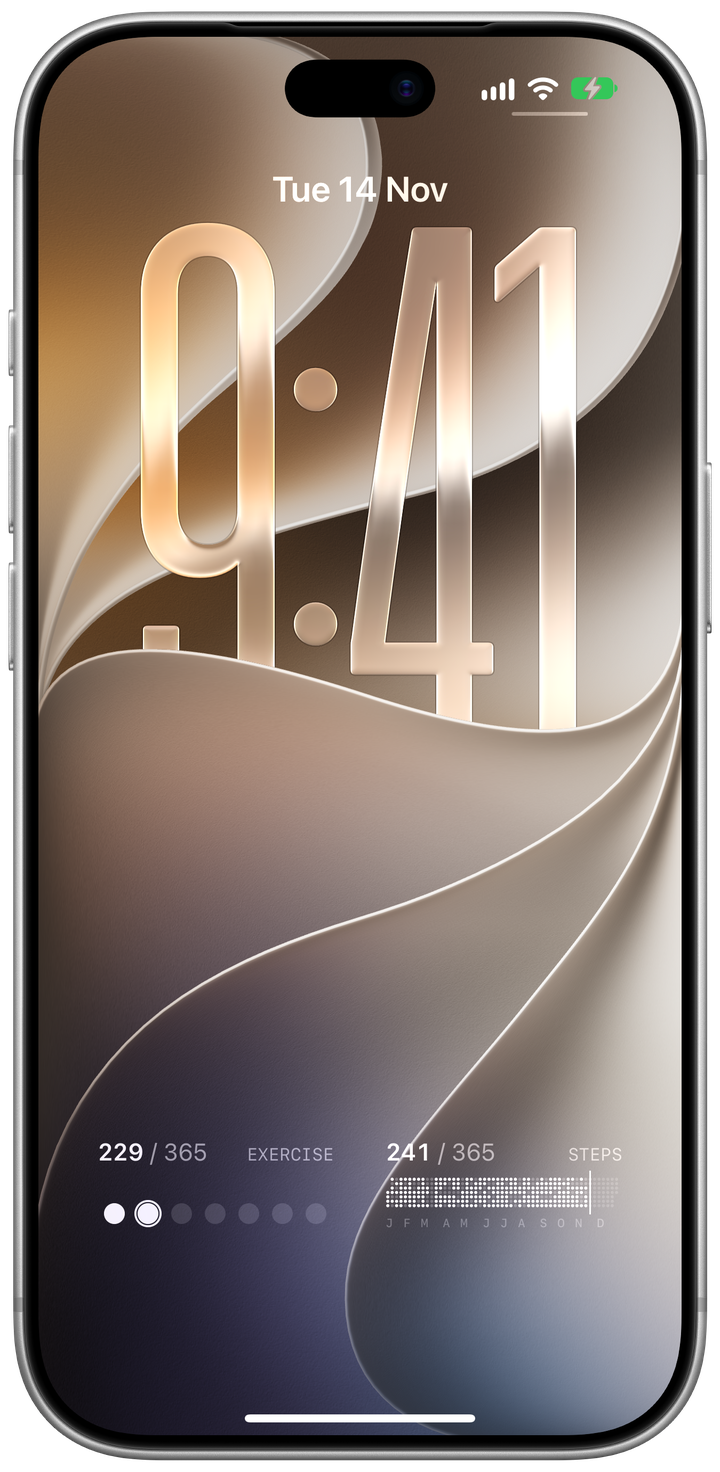
On the Lock Screen
The year, before you unlock.
Two tracks sit below the clock, each in its own Year widget. Exercise shows the count and this week, one dot a day; Steps shows the whole year in one strip, with a line at today. They keep themselves up to date, so there’s nothing to open.
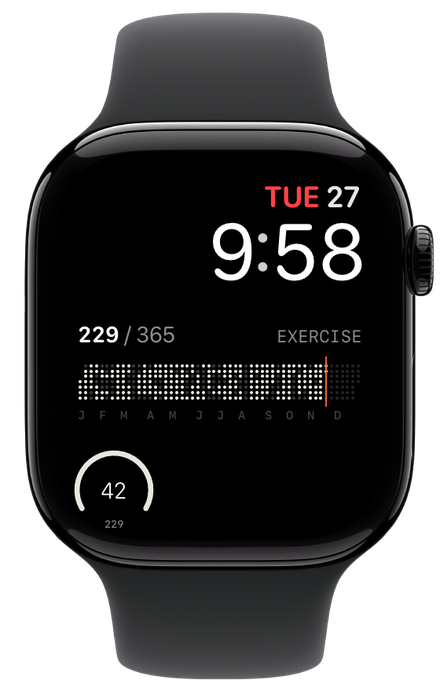
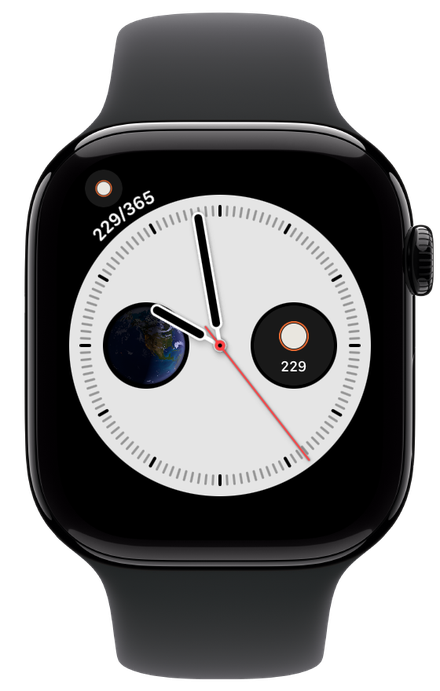
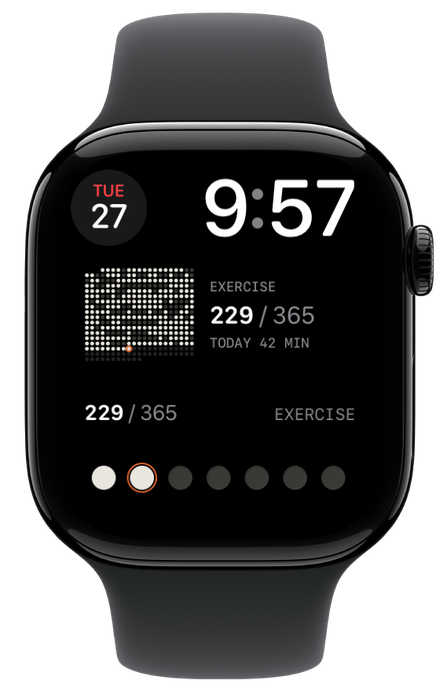
Complications
Keep your face. Add the year.
The year strip, the year grid, this week, today’s dot or today’s progress. Each one fits the face you already wear.
Privacy
No account. Nothing leaves your device.
Dotline has no servers. Health data is read, never written, and stays on your iPhone and Apple Watch, which sync directly with each other.
Read the privacy policyApp Store privacy label: Data Not Collected
- No account
- No ads
- No analytics, no tracking
- Read-only access to Health